Best Way to Reduce Sharpness
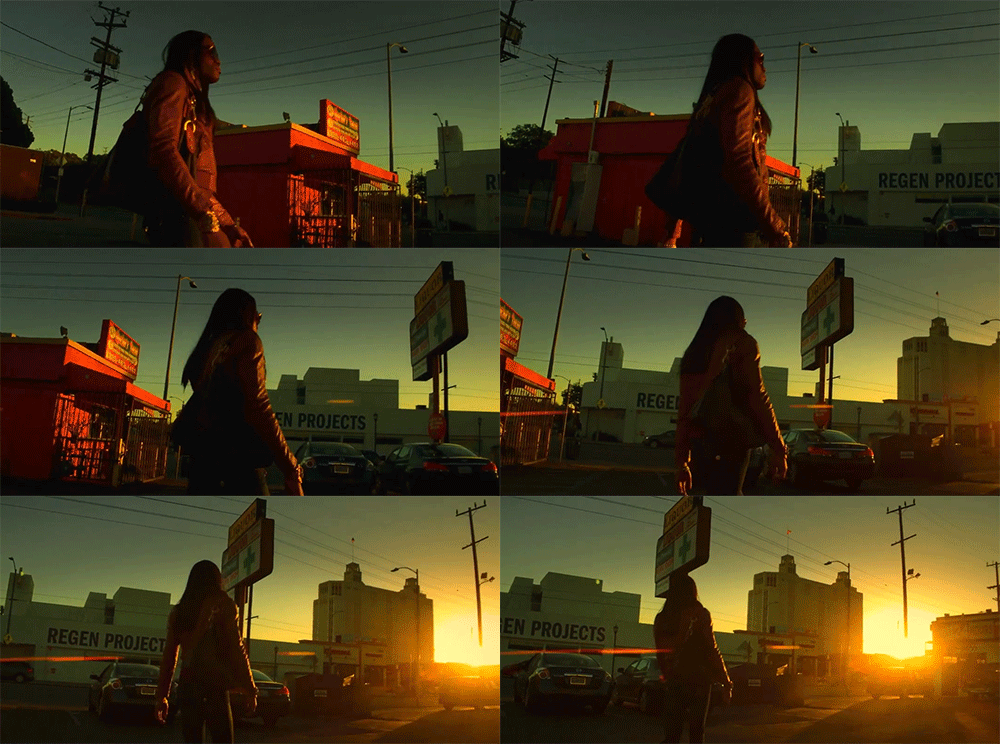
In this video tutorial, learn tips and tricks for reducing aliasing that is common on action camera footage! In this quick-tip video tutorial, we are going to walk through the exact settings that make handheld and action-cam shots look clean on every screen size.
Why aliasing happens
Aliasing shows up when fine detail in a shot outruns your export's resolution and shutter settings. Action cameras are especially prone to it because of their wide lenses and high frame rates.
- Match your shutter angle to your frame rate
- Apply a light sharpen pass only after downscaling, never before
- Export at the platform's native resolution instead of letting it rescale for you
The quick fix
A small amount of gaussian softening before your sharpen filter often looks cleaner than skipping sharpening altogether.
Liked it? Share it with your people